
Screenshots
App details
- Updated
- Jul 31, 2024
- Category
- Mobile
SoftPas in:
This product is also available in the following languages:
About Sandboxie
Download Sandboxie – sandbox, isolation, security, virtual environment, program testing, safe browsing, Windows
Overview
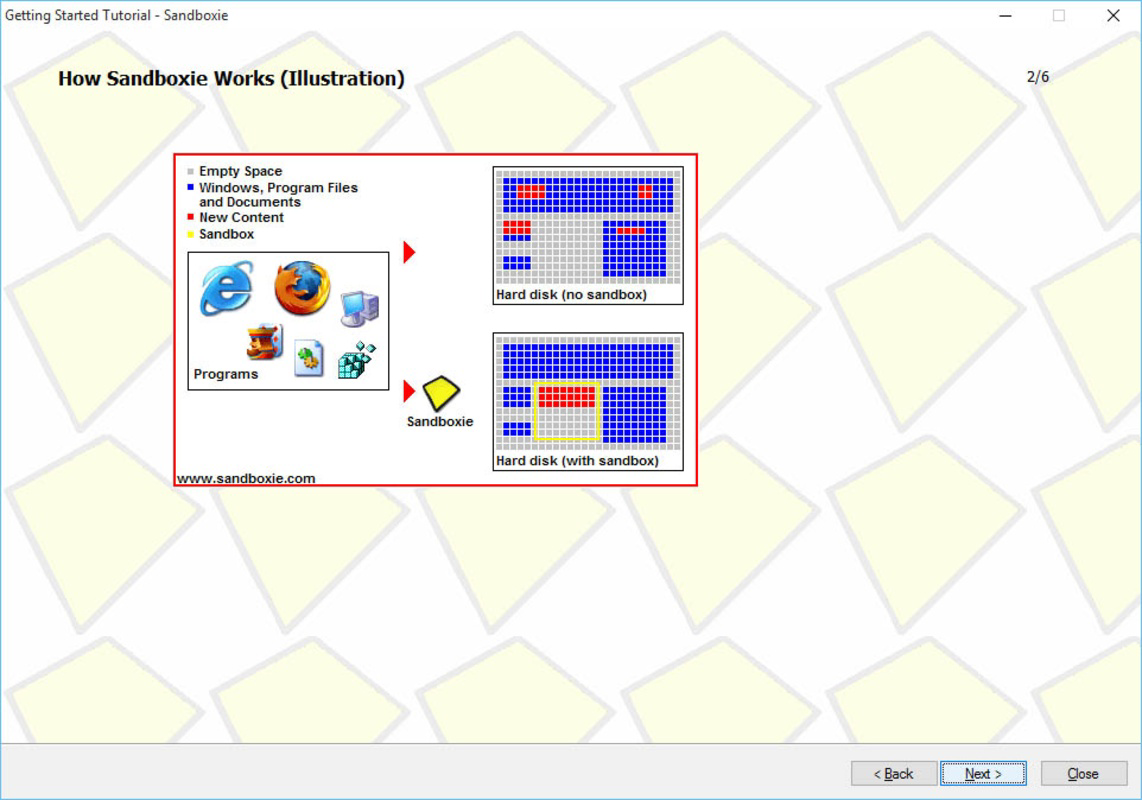
Sandboxie is a specialized security tool designed for Windows NT-based systems, offering a sandbox-based isolation environment to safely run applications without affecting the host operating system. The primary purpose of the app is to provide a secure, temporary workspace where users can test untrusted software, browse the web with enhanced protection, or install new programs without risking permanent changes to system files, the registry, or mapped drives. This makes it particularly valuable for users concerned about malware exposure, system instability, or accidental configuration errors.
The target audience includes IT professionals, cybersecurity enthusiasts, software testers, and general users who frequently download or run unfamiliar applications. By isolating processes within a virtual environment, Sandboxie enables controlled experimentation while preserving system integrity. The developer, Sandboxie Inc., has positioned the tool as a lightweight yet powerful utility for maintaining digital safety.
Real-world use cases include testing suspicious email attachments, evaluating software before full installation, or conducting online transactions in a secure, disposable environment. In the broader app ecosystem, Sandboxie fills a critical niche by offering a low-overhead solution for process-level isolation, especially for users who seek more granular control than standard antivirus software provides. While the app does not include advanced AI or cloud integration, its core functionality remains highly relevant in an era of increasing cyber threats.
Key Features & Functionality
- Isolated Sandbox Environments: Creates independent virtual spaces where applications run in complete isolation from the host system, preventing any permanent changes to files, registry entries, or system settings.
- Multiple Sandboxes: Supports the creation of virtually unlimited sandboxes, allowing users to run different programs in separate environments or group similar tasks together for better organization.
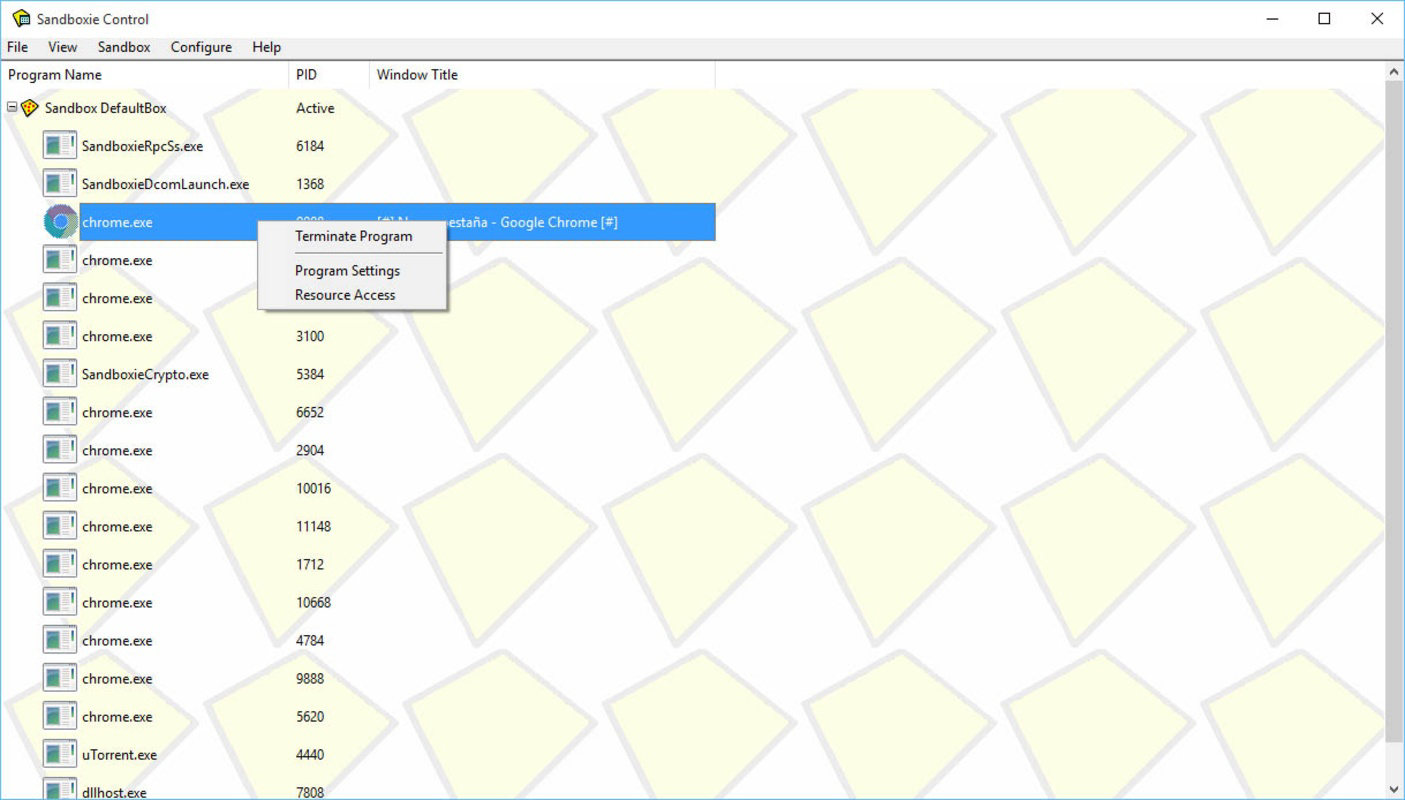
- Real-Time Process Monitoring: Tracks application behavior within the sandbox, enabling users to review and manage files, network activity, and registry changes before deciding to allow or discard them.
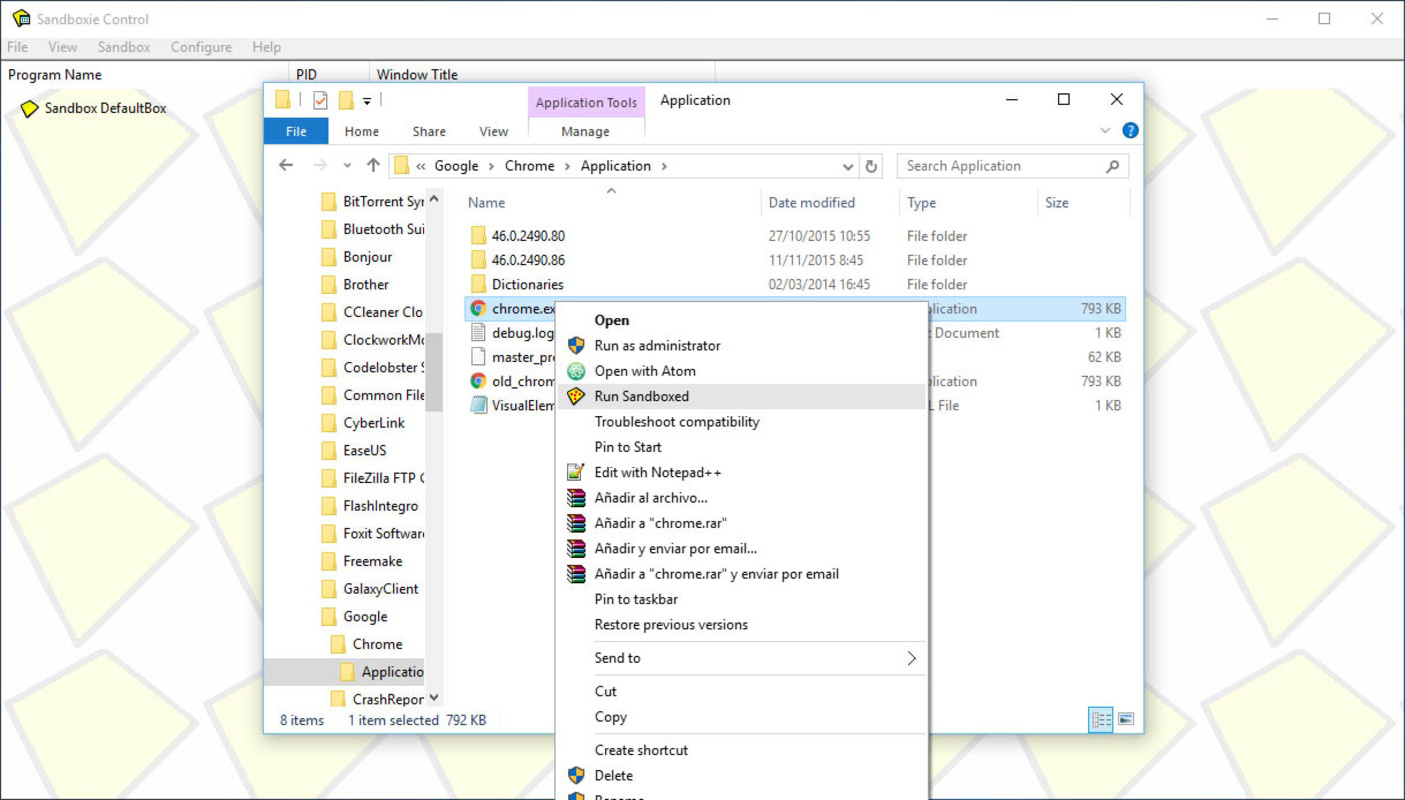
- Flexible Application Control: Users can choose which programs to run in a sandbox, apply sandbox rules to specific files or URLs, and configure automatic sandboxing based on predefined criteria.
- Safe Web Browsing: Enables browsing the internet within a sandboxed session, reducing the risk of drive-by downloads, tracking scripts, and malicious redirects.
For example, a user can open a suspicious PDF in a sandbox to check for hidden malware without exposing their system. Similarly, software developers can test new builds in isolated environments to verify stability and compatibility. The ability to run multiple programs simultaneously within a single sandbox enhances productivity during testing workflows. All sandboxed data is automatically wiped upon closure unless explicitly saved, ensuring a clean slate after each session.
Interface, UX & Performance
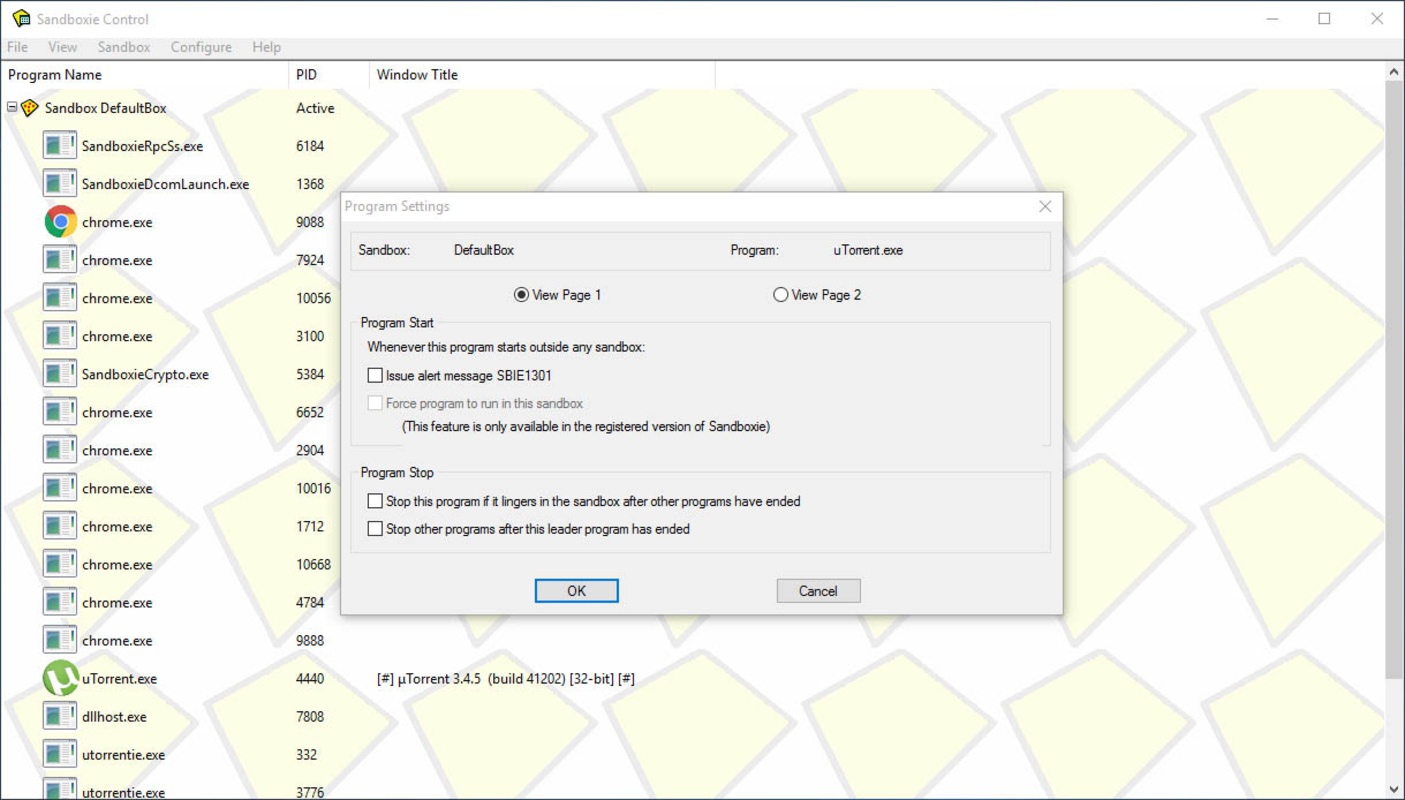
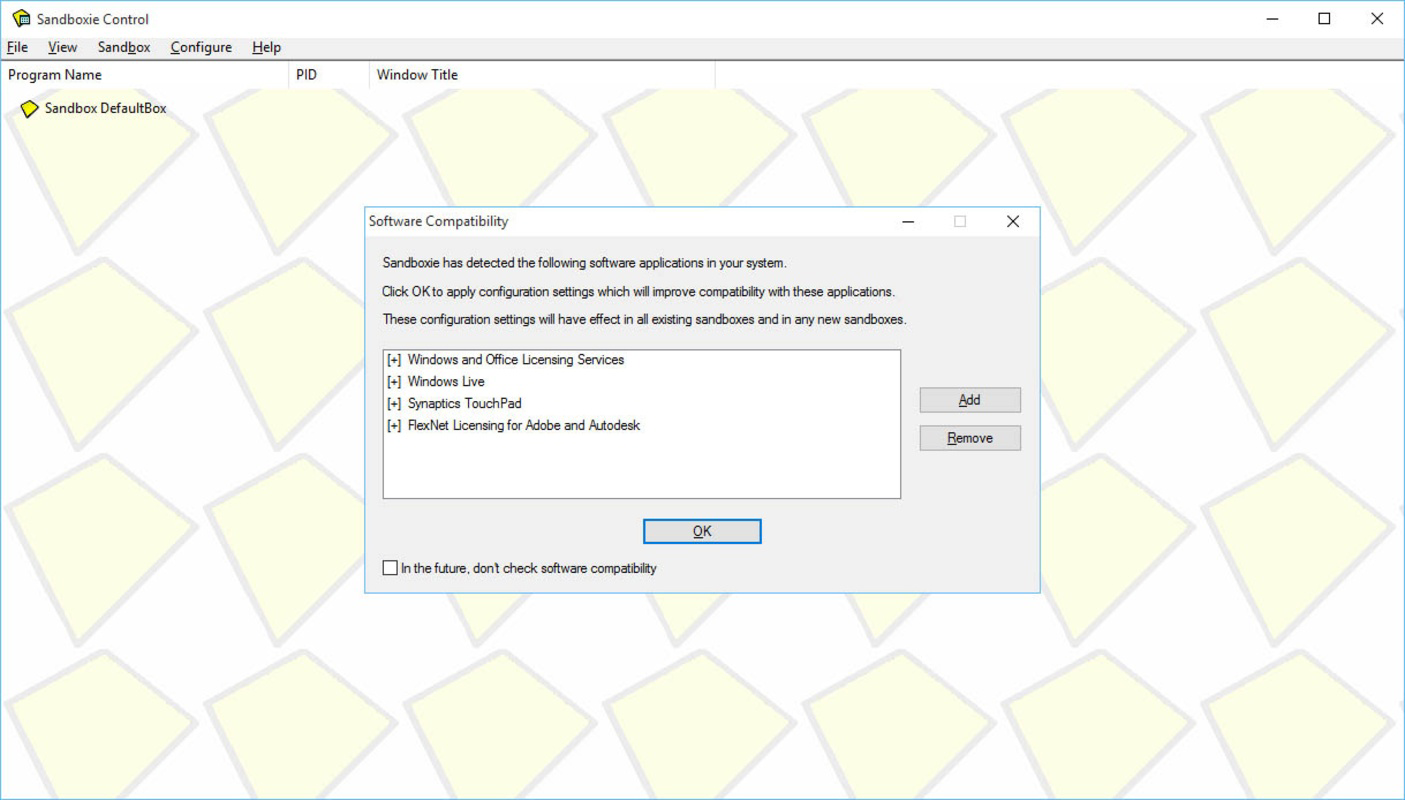
Sandboxie features a minimalistic interface designed for efficiency and clarity. The main dashboard provides quick access to active sandboxes, running processes, and configuration options. Navigation is straightforward, with menu-driven controls for starting, stopping, and managing sandbox sessions. The visual style is functional rather than decorative, prioritizing usability over aesthetics.
Users can launch applications directly from the sandbox menu or integrate sandboxing into the context menu for right-click actions. The tool is responsive and stable across a range of Windows systems, although the developer did not list formal performance metrics. Although the app is lightweight at 4.5 MB, its impact on system resources is generally low during operation, making it suitable for both older and modern hardware.
Performance is consistent across different device categories, with minimal lag during application execution. Stability is maintained through efficient process isolation, and crashes within a sandbox do not affect the host system. The app handles concurrent operations well, allowing multiple programs to run simultaneously without significant slowdowns. The developer did not provide additional technical details regarding memory usage or CPU overhead, but user reports indicate reliable behavior in typical use cases.
Platform Compatibility & Technical Requirements
Sandboxie is designed exclusively for Windows operating systems. It supports both 32-bit and 64-bit versions of Windows NT-based platforms, ensuring broad compatibility with most modern Windows installations. The current version is 5.58.4, released on September 15, 2023.
The application has a compact file size of 4.5 MB, making it easy to download and install even on systems with limited storage. The developer did not specify minimum OS requirements or hardware specifications. Compatibility information was not fully disclosed, so users should ensure their system meets standard Windows requirements for running third-party utilities.
Pros and Cons
Pros
- Lightweight at only 4.5 MB, ideal for systems with limited storage.
- Free to download and use, with no in-app purchases or subscriptions.
- Supports unlimited sandbox creation for flexible isolation strategies.
- Effective for safe browsing, program testing, and malware analysis.
- Minimal system impact and high stability during operation.
Cons
- Platform is limited to Windows only; no support for macOS or Linux.
- Developer did not list specific OS version requirements.
- Interface is functional but lacks modern design elements.
- No built-in update notifications; users must manually check for new versions.
- Advanced configuration may require technical knowledge for optimal use.
FAQ
Is Sandboxie safe to use?
Yes, Sandboxie is designed with security in mind. It isolates applications from the host system, preventing permanent changes and reducing the risk of malware infections. The tool itself does not introduce vulnerabilities when used as intended.
Can I run multiple programs in one sandbox?
Yes, Sandboxie allows multiple applications to run simultaneously within a single sandbox, enabling efficient multitasking during testing or browsing sessions.
Does Sandboxie protect against all types of malware?
Sandboxie enhances security by isolating potentially harmful programs, but it is not a substitute for antivirus software. It works best when combined with other security tools for comprehensive protection.
Is Sandboxie available for Android or iOS?
No, Sandboxie is currently only available for Windows operating systems. There is no version for Android or iOS devices.
How do I update Sandboxie?
Users must manually check the official website for updates. The app does not include an automatic update feature.
Final Thoughts
Sandboxie stands out as a reliable, lightweight solution for users seeking to isolate and test applications in a secure environment. Its ability to create unlimited sandboxes, combined with minimal system impact, makes it a valuable tool for both casual users and professionals. Whether you're evaluating software, browsing the web, or testing suspicious files, Sandboxie offers a practical layer of protection without the complexity of full virtual machines.
While it lacks modern UI polish and automatic updates, its core functionality remains robust and effective. The fact that it’s free and compatible with most Windows systems enhances its accessibility. For anyone concerned about system security or digital safety, Sandboxie delivers tangible value.
Download Sandboxie now
Guides & Tutorials
How to install Sandboxie
- Click the Download button above.
- Once redirected, accept the terms and click Install.
- Wait for the Sandboxie download to finish on your device.
How to use Sandboxie
This software is primarily used for its core features described above. Open the app after installation to explore its capabilities.
User Reviews
No reviews yet. Be the first to share your experience.
You may also like
more
Que no te pillen¡
About !Que no te pillen¡Reviewed by Jason A. BilbreyShow MoreShow Less

3D Combat Zone
About 3D Combat ZoneOriginally released in 1983, 3D Combat Zone immerses players...

666: El día del portal
About 666: El día del portalOn June 6, 2006, Agent P. Stone uncovers a sinister...

80 in 1 Best Flash games
About 80 in 1 Best Flash games 80 in 1 Best Flash games is a collection of 80 fl...

ABYSS SEEKERーーWhat Do You See Deep in The Abyss
About ABYSS SEEKERーーWhat Do You See Deep in The AbyssIn ABYSS SEEKER, players...

ACA NEOGEO THE KING OF FIGHTERS 2002 for Windows
About ACA NEOGEO THE KING OF FIGHTERS 2002 for WindowsTHE KING OF FIGHTERS 2002,...